
SCREEN TIME, WITH A PLAN
Clear boundaries.
Visible progress.
Screen Goal brings family screen-time rules and everyday responsibilities into one place: what is allowed, what needs doing, and what has been earned.
Built for the daily conversation.
Screen-time management involves more than a timer. A child needs to understand the next step. A parent needs to see what happened and make a decision without reconstructing the whole day.
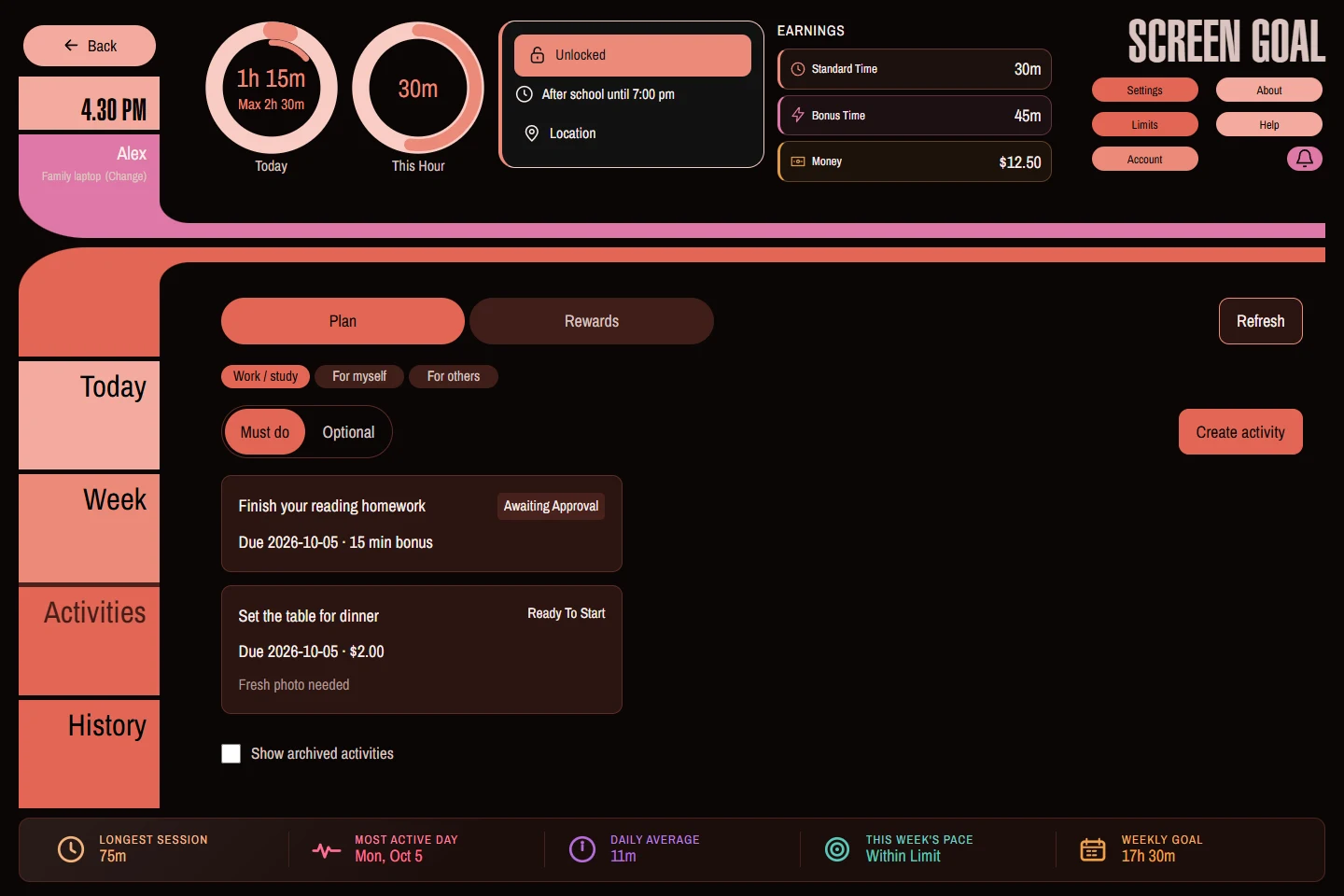
Screen Goal combines foreground activity reports, daily and scheduled limits, warnings, device controls and Activities. Screen Parent gives parents a browser-based view of linked Windows and Android devices.
Activities adds an explicit path from an assignment to submission, review and reward. Standard time can connect part of the regular allowance to required responsibilities. Bonus time rewards an extra effort. Money keeps a record of pocket money and requests.
Tools for an agreement you can explain.
Choose rules together, write concrete activity instructions and review the results. Warnings can make the approaching boundary visible, but software cannot guarantee a calm transition, verify every offline action or replace a parent's judgment.
Protection also depends on the device. Android has a permission-based setup and stronger managed options; Windows uses Desktop and a background Agent. The features guide explains those differences instead of treating every installation as identical.
Linked accounts use cloud synchronization for remote management, reports and rewards. See privacy and data handling for what this involves.
Start small, then build your routine.
Try one child, one device and one Activity. Confirm the setup works for your family before extending it across more devices.
Screen Goal is a Netambition product. For product questions and feedback, use our contact details.